
Your Personal & Business Finance OS for Android.
Track daily expenses, set category budgets, scan paper receipts with on-device OCR, and generate professional PDF invoices—all with offline-first speed and optional cloud backup.
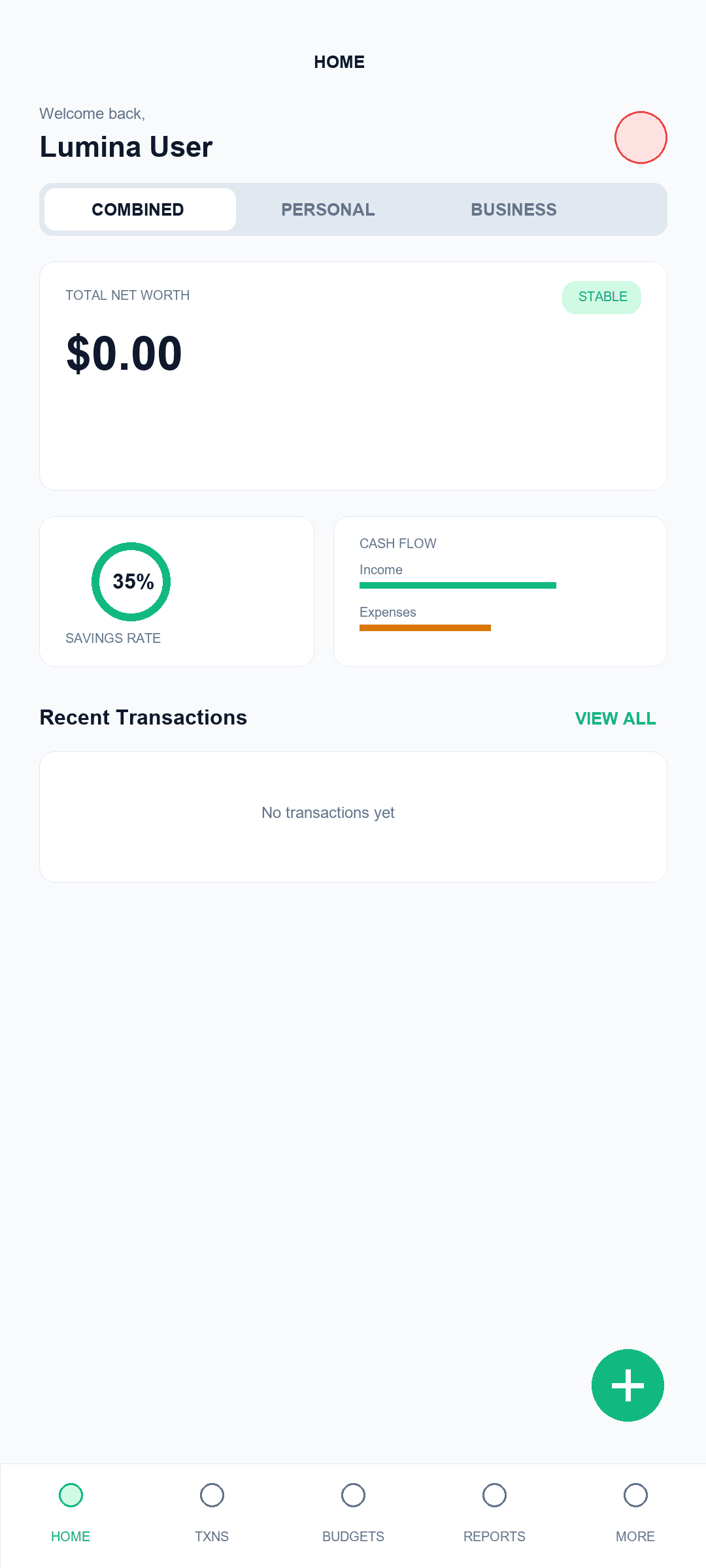
Modern Money Management
Designed for Modern Personal & Freelance Money Management
Managing personal spending alongside business client invoices usually requires multiple apps. Lumina Finance unifies income, expense tracking, category budgeting, and invoice creation into a clean, biometric-secured Android app.
Combined Personal & Business
Workspace toggles (Combined, Personal, Business) allow you to keep personal budgets and client project expenses organized without juggling multiple accounts.
On-Device Receipt OCR
Point your camera at paper receipts to extract transaction dates, totals, and line items on-device with Google ML Kit vision. No raw photos uploaded to cloud ad networks.
Biometrics & Data Control
Hardware-backed biometric lock with Fingerprint/Face Unlock, privacy balance masking, full offline guest capability, and transparent self-service deletion.
Unified Personal & Business Workspace
Filter transactions instantly across Personal, Business, or Combined views to maintain complete separation without juggling accounts.
- One-Tap Balance Filtering: Toggle between Personal, Business, and Combined balances in one tap.
- Smart Tagging & Rules: Custom category rules and automated transaction tagging.
- Key Financial Metrics: Track net worth, savings rate, and monthly cash flow metrics.
Smart Budgets, Receipts & On-Device OCR
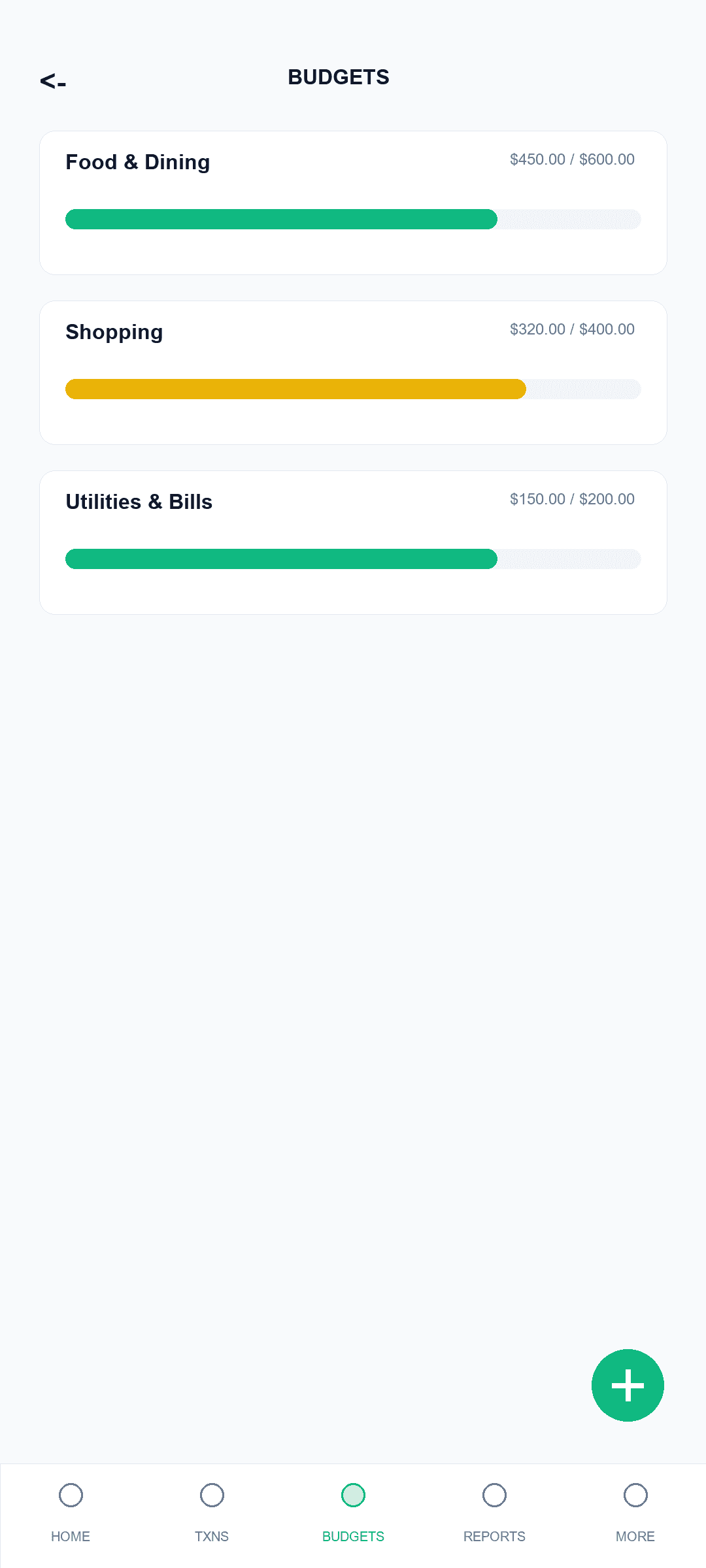
Snap photos of paper receipts to extract amounts on-device using machine learning, and set strict category budgets to prevent overspending.
- On-Device ML Kit OCR: On-device ML Kit OCR scanner extracts receipt data privately without uploading photos to external servers.
- Visual Progress Bars: Category budget progress bars with visual threshold alerts.
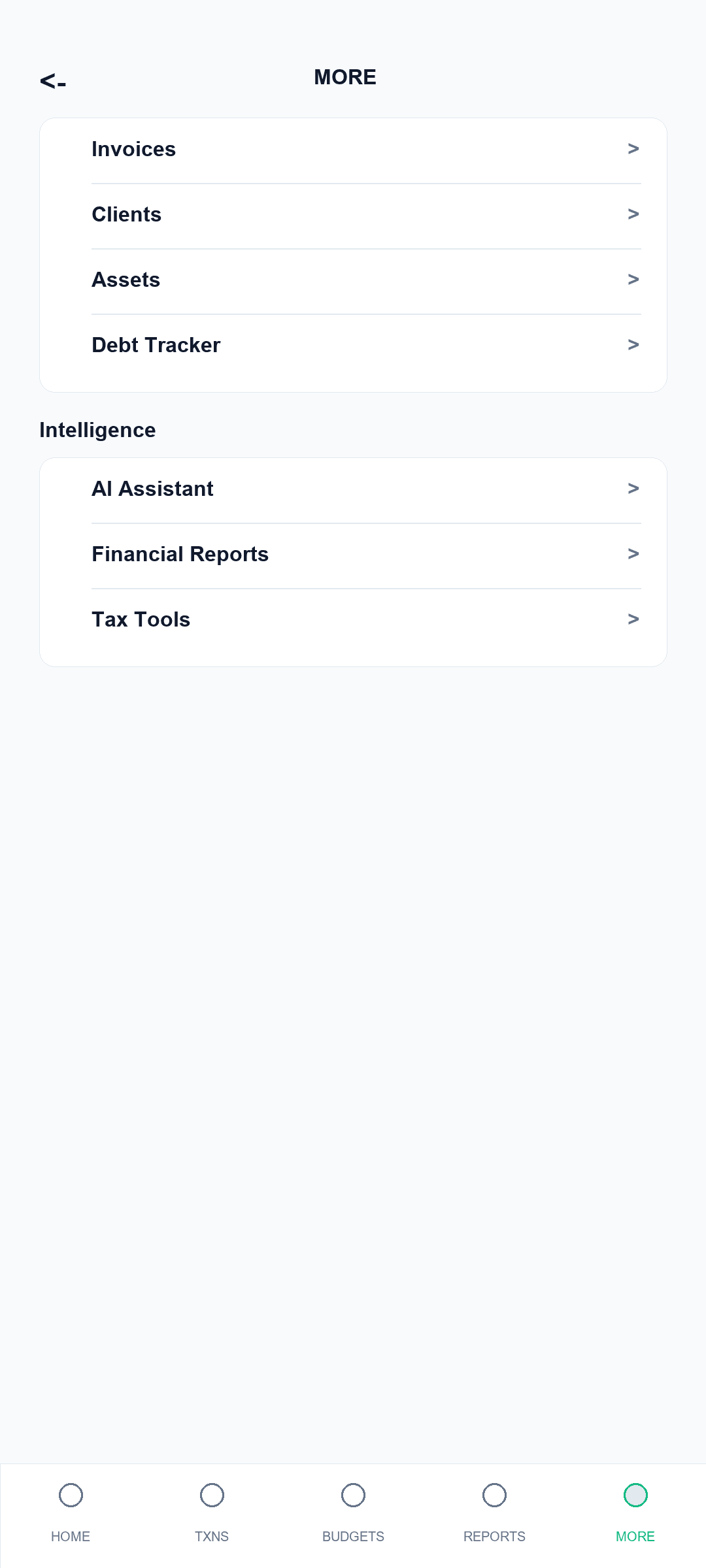
- Debt Tracking & Reminders: Debt tracking and recurring transaction schedules with WorkManager alerts.
Professional PDF Invoicing & Analytics
Bill client projects directly from your phone and view detailed financial breakdowns over 30-day, 90-day, or 6-month periods.
- Native iText 7 Generator: Export clean, professional PDF invoices with custom tax rates and subtotals.
- Interactive Reports: Interactive Income vs. Expense and Spending Distribution charts.
- Glance Home Screen Widgets: Android Glance Home Screen widgets for instant Net Worth and bill monitoring.
The Clear Choice
Lumina Finance vs. Generic Expense Apps
See why freelancers and individuals choose Lumina Finance for private, unified finance management.
| Feature | Lumina Finance | Generic Expense Apps |
|---|---|---|
| Offline-First Support | Full Guest & Local Mode | Requires Online Account |
| Integrated PDF Invoices | Native iText 7 Generator | Paid Add-On / Not Available |
| On-Device Receipt OCR | Local Google ML Kit | Cloud Upload Required |
| Personal + Business Split | Built-In Workspace Toggle | Separate Apps Required |
| Biometric Screen Lock | Native BiometricPrompt | Premium Subscription Only |
Got Questions?
Frequently Asked Questions
Transparent answers regarding offline functionality, privacy, and financial tracking capabilities.
Can I use Lumina Finance completely offline?
Yes. Lumina Finance is built offline-first. You can log expenses, view budgets, and generate PDF invoices in Guest Mode without creating an account or connecting to the internet.
How does cloud synchronization work?
When signed in via Email or Google Sign-In, your financial records sync securely via Google Cloud Firestore using HTTPS/TLS 1.3 encryption across your authorized devices.
Is my biometric data stored on VRYTIS LABS servers?
No. Biometric authentication (Fingerprint / Face Unlock) is handled entirely by your Android device's hardware security module (BiometricPrompt API). Biometric data is never accessed or stored by VRYTIS LABS.
How do I delete my account and data?
You can instantly wipe local data in the app under Settings → Data Management → Clear All Local Data. You can also request complete account deletion at https://vrytislabs.com/delete-account or by emailing admin@vrytislabs.com.
Which currencies are supported?
Lumina Finance supports multi-currency formatting including USD, EUR, GBP, INR, CAD, AUD, and major international currencies with customizable formatting.
Is Lumina Finance free to use?
Yes. Lumina Finance is free to download on Google Play with full access to core expense tracking, budgeting, receipt scanning, and PDF invoicing.
Take Control of Your Personal & Business Finances Today.
Download Lumina Finance on Google Play for Android 7.0 and above.
“Lumina Finance is a personal and business expense tracking and invoicing application. It does not provide financial advice, credit monitoring, loan origination, or regulated banking services.”